Made for creative teams
Fabric for creative teams
One searchable workspace for inspiration, drafts, client feedback, and final assets.
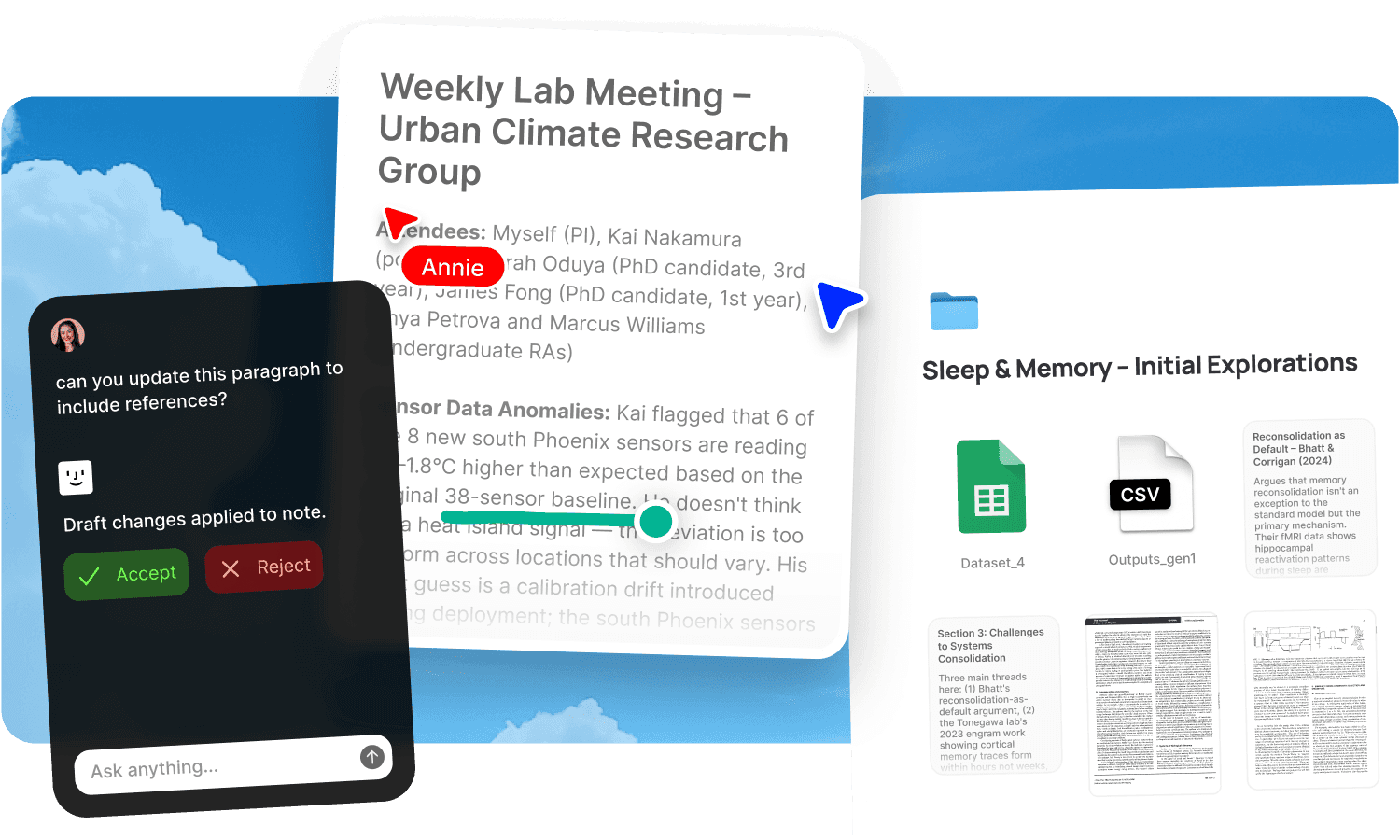
Creative work produces more material than the final deliverable ever shows. For every finished piece, there are dozens of references, rounds of feedback, rejected directions, asset variations, and source files. The work itself might be excellent, but the system around it is usually a mess: references in Pinterest, drafts in Figma, feedback in email, assets in Google Drive, and approvals tracked in someone's head. The team's collective knowledge, every reference ever saved, every decision ever made, every asset ever created, is scattered across tools that don't talk to each other. Finding past work means remembering who made it, when, and where they put it.
Fabric gives creative teams one workspace where references, assets, drafts, feedback, and deliverables all live together and are searchable by meaning, by colour, and by visual similarity.
Search the way creative work thinks
Creative assets don't respond to keyword search. You're looking for "that texture reference from the hotel project" or "anything in our library with this colour palette," and typing filenames into a search bar won't help. Fabric's AI search finds assets by what they look like, not what someone named them.
Search by colour to pull every on-palette asset from your library. Drop in a reference image and find everything visually similar across every project your team has ever worked on. Or describe what you're looking for in plain language and find it across PDFs, images, documents, and notes. The similar search and explorer go further, surfacing unexpected connections between assets saved months or years apart.
Every file your team saves, regardless of format, is searchable alongside everything else. A photograph, a slide deck, a PDF, a voice note from a brainstorm, and a clipped web page are all queryable from the same search bar.
Feedback on the work, not about the work
Creative review cycles break down when feedback is separated from the deliverable. A client emails "make the header bigger" but you're not sure which version they mean. A teammate leaves notes in Slack referencing "the second option." By the time you sit down to revise, you're reconciling comments from three channels.
Fabric's annotations let reviewers pin comments to the exact spot on any image, PDF, document, or design file. The feedback is spatial and specific, attached to the work itself. You can also annotate the web to leave persistent comments on live websites during review.
Combine annotations with tasks and reminders to track what's approved, what needs revision, and what's outstanding, all inside the project space.
Visual thinking and moodboarding
Creative work needs surfaces where ideas can spread out. The canvas is an infinite spatial workspace where your team can arrange references, notes, images, files, and embeds from services like Figma, YouTube, and Spotify. Build moodboards by dragging material from your library onto the canvas. Plan campaigns visually. Brainstorm with live multiplayer cursors.
Because the canvas draws from your Fabric library, building a moodboard means arranging material you've already collected rather than importing it from somewhere else. Past references from other projects surface through search and feed directly into new ones.
Controlled sharing with visibility
Creative teams share work constantly, with clients, with stakeholders, with external collaborators. Fabric's publishing lets you turn any file or collection into a shareable link, with optional password protection and link analytics that show you who viewed what, when, and for how long.
Create individually named tracking links per recipient, so you know which client contact has reviewed the latest round and which hasn't. Share moodboards, asset collections, or deliverables without worrying about version confusion, because updating the source file in Fabric updates the published link automatically.
Use cases for creative teams
The workflows creative teams run in Fabric: building moodboards and inspiration libraries with visual and colour search, running design projects end to end with client feedback and tracked sharing, brainstorming and ideation on the canvas, content planning from research to draft, managing review and approval cycles with annotations, and building a digital asset management library that the whole team can search by content rather than filename.
For per-client project management with deliverables and feedback, see client work and deliverables.
A creative team's day in Fabric
Morning. A designer searches the team's library for references matching a new brief's colour palette. She finds work from two previous projects she'd forgotten about, drags the best references onto a canvas, and shares the moodboard with the client via a tracked link.
Midday. The creative director opens a deliverable and reviews it using annotations pinned to specific spots. The designer sees the feedback in context, attached to the exact elements, not paraphrased in Slack.
Afternoon. A copywriter drafts in notes and docs with the project's research searchable alongside. She asks the AI assistant to pull together everything the team has saved about the client's tone of voice, and it surfaces the brand guidelines, past approved copy, and the original brief.
End of day. The project lead checks link analytics to see that the client viewed the moodboard twice and spent eight minutes on it. She creates a follow-up task to schedule the next review call.
Get started
Give your creative team one workspace where everything is searchable by what it looks like, not what it's called. Try Fabric free.
See pricing for teams or explore Fabric for designers and content creators. If you're an agency managing multiple clients, see Fabric for agencies.
FAQs
Can our team search for assets by colour or visual similarity?
Yes. Fabric's AI search finds assets by colour, visual similarity, and meaning. Drop in a reference image and find everything similar, or search by a brand colour to pull every on-palette asset from the library.
Can clients annotate directly on our deliverables?
Yes. Annotations let reviewers pin comments to the exact spot on any image, PDF, or document. Feedback is specific and contextual rather than described in a separate email.
Can we share work with clients securely and track who's viewed it?
Yes. Publish any file or collection with password protection and link analytics. Create named tracking links per recipient and see who viewed what, when, and for how long.
Can we build moodboards in Fabric?
Yes. The canvas is an infinite spatial workspace where you arrange references, images, and notes. Drag material from your team's library onto the canvas to build moodboards without importing from other tools.
Does Fabric connect to Figma?
Fabric supports bringing in design files from Figma. The canvas also embeds live Figma frames alongside other content.
Can our whole team search the same asset library?
Yes. Shared spaces give the whole team access to the same searchable collection. Everyone finds assets the same way, regardless of who saved them or when.
Can we use the AI assistant for creative work?
Yes. The AI assistant works from your team's saved material. Ask it to find references matching a direction, summarise a brief, pull together brand guidelines, or surface past work on a similar topic. It draws on your library, not generic internet results.
Can we track approvals and review status?
Yes. Use tasks and reminders alongside annotations to track what's approved, what needs revision, and what's outstanding. The workflow lives alongside the assets.
How is this different from using Dropbox or Google Drive for creative assets?
File storage organises by filename and folder. Fabric adds visual and colour search, AI search by meaning, annotations pinned to specific spots on files, password-protected sharing with per-recipient analytics, and an AI assistant that works from your team's material. The difference is a creative workspace rather than a file server.
Can we organise projects visually?
Yes. Use the canvas for spatial thinking and moodboarding, and kanban boards for tracking project stages. Any folder can be switched to a kanban view with custom columns.
Does the AI understand our past projects and brand guidelines?
Yes. The AI assistant works from everything saved in your workspace. Upload your brand guidelines, past deliverables, and approved references, and the AI draws on them when answering questions or searching. It gets more useful the more material your team adds.
Can we collaborate in real time?
Yes. Fabric supports real-time collaboration with live cursors, follow mode, threaded comments, and @mentions across notes, canvas, kanban, and annotations.
What file types does Fabric support for creative work?
Images (JPG, PNG, GIF, WebP, SVG), PDFs, video, audio, documents, slide decks, and design files. All are searchable by content, colour, and visual similarity.
Is our work private and secure?
Yes. Fabric uses AES-256 encryption, is CASA Tier 2 compliant, and keeps all content private by default. You control who has access to each space.


