Data connections and apps
Desktop folder sync
Just add anything to your Fabric folder and they will be synchronized and backed up.
Effortlessly available inside your Fabric workspace, wherever you are.
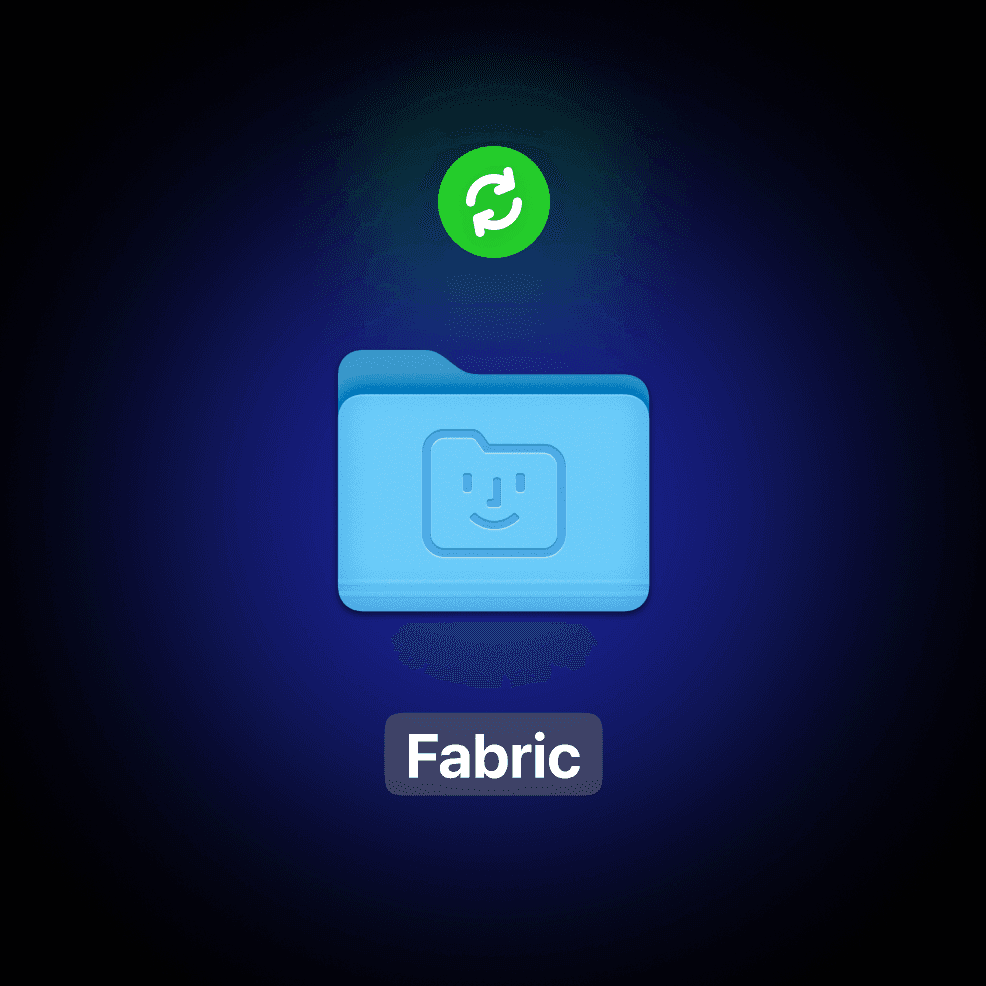
Effortless folder sync.
Just add any content to the Fabric folder on your computer and it's automatically in your Fabric cloud.
Magically connected and searchable .
Fabric's AI analyzes, labels and organizes your content. Chat with any file or folder with the AI assistant. Or add it to a space to collaborate.
Fabric connects the dots between all your saved content, including from your computer desktop folder.
Explore through your information with associations and related ideas – just like your brain works.
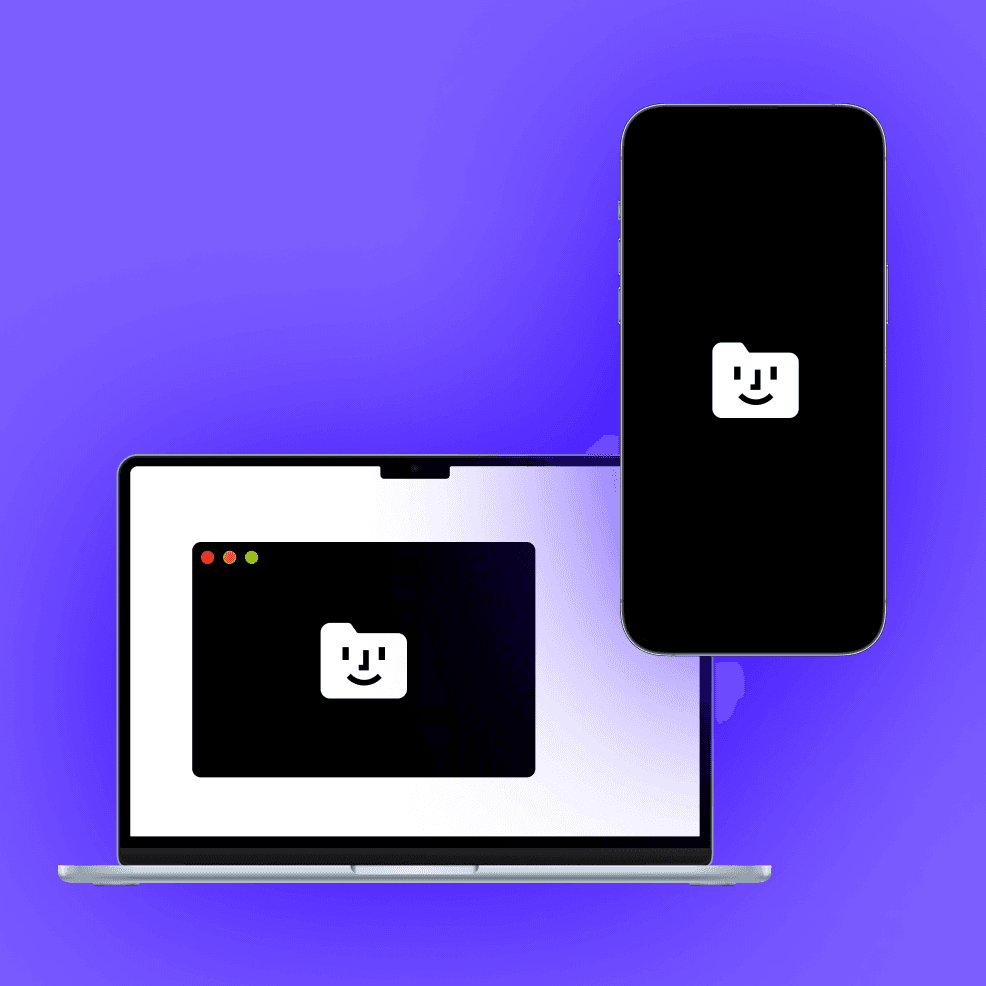
Start on your laptop, continue on your phone, finish on your tablet.
Your files are wherever you need them, with Fabric's cross platform sync.
Your changes, instantly available on all devices.
Get started in 3 steps
1
Install desktop folder sync.
Inside Fabric's desktop app, install desktop folder sync and complete the installer flow.
It will create a Fabric folder on your computer desktop.
2
Add your files.
Add any files you want to the Fabric folder on your computer.
They will sync automatically in the background.
3
Access your files anywhere.
Your files are now available via the Fabric app, wherever you want them. Use Fabric's AI assistant to work with the files, or use the sharing features to collaborate with others.











Fabric is your everything app

Universal
A workspace and explorer for any file, content or data. And if it's in another app, you can connect it. Capture, store, create anything.
Together
Create and feel together with rich collaboration on any file, note, link or folder. Get live cursors, chat, comments, drawing and more.

Intelligent
Fabric understands every file and connects the dots for you. A smart knowledge base that organises itself.
No manual effort required.


